


AI tools built for local crews

Your AI crew for home services.

Find the right homeowner. Show them the finished job on their own house. Turn that picture into signed work.

Personalized outreachOn-site AI conceptsQuotes & invoices
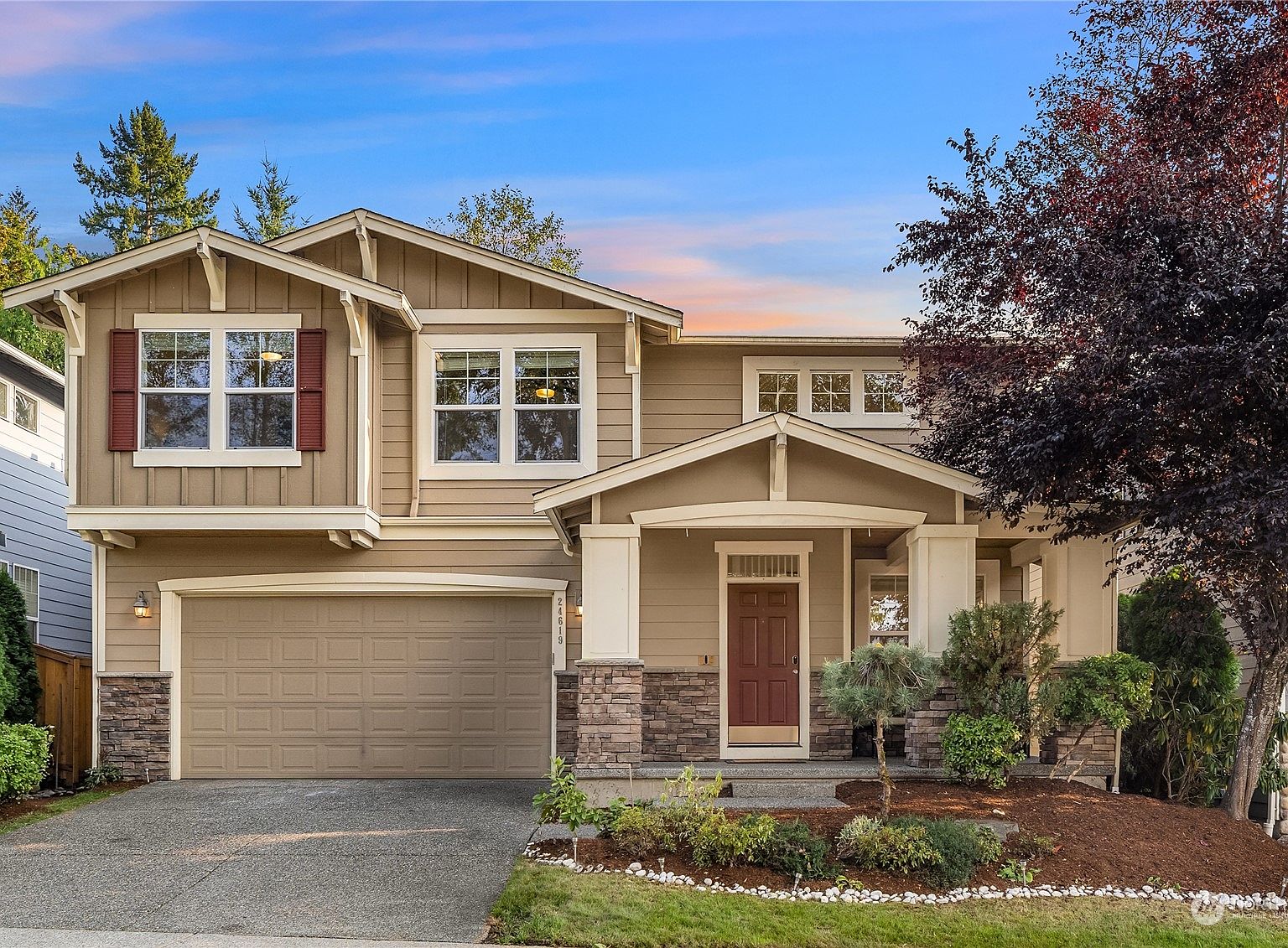
Original reference photo of the home before the lighting design Showcase Designer output with roofline lights, garlands, a star, and illuminated trees Patent pending Showcase Designer output
Drag to compare the original photo with the Showcase Designer output.

The company motto

AI tools for local businesses — hometown growth, won on home turf.

Find the right homeowners, show the finished job, and close it—all in your own backyard.

Meet the people behind it
One crew, four jobs

Meet the crew

Start with the tool you need today. Add the next layer when the work is ready for it.

A row of numbered curbside mailboxes along a sunlit road01

Paperboy

Available
Find the homeowner

AI reads aerial and street imagery to find homes that actually need the work, renders each home's own transformation, and mails it — a postcard with their house on it and a QR code to a personal page.

A home glowing with warm Christmas lights against the night02

Foreman

Available
Close the job

A lightweight CRM built around online AI generation: snap a photo in the driveway, generate before/after concepts on the spot, share them, and turn a "maybe" into a signed proposal — quotes and invoices included.

S03

Scout

Limited access
Watch the tenders

Scout helps enabled accounts find relevant public bids in supported cities, matched to their services. Current municipal coverage is Everett, Redmond, and Spokane Valley, Washington. More cities and source types are being researched.

B04

Broker

Coming soon
Trade the leads

A marketplace to buy and sell qualified local leads with other crews. List the jobs outside your lane, pick up the ones inside it — every lead a real address and a real homeowner, priced by the work.

Photos: Tuxyso · CC BY-SA 3.0 · Cjp24 · CC BY-SA 4.0 — Wikimedia Commons

From cold address to paid work

How the layers connect

Every step hands useful context to the next. No lead list or design gets stranded in another tool.

  1. 1
    Paperboy

    Find the right homes

    Property imagery and signals surface the addresses most likely to need your work.

  2. 2
    Paperboy

    Make it personal

    A postcard shows each homeowner a finished-look concept on their own property.

  3. 3
    Handoff

    Turn scans into leads

    The QR visit arrives with the property, campaign, and design already attached.

  4. 4
    Foreman

    Close and collect

    Refine the concept, send the quote, win approval, and invoice the job.

Proof beats a pitch

The homeowner says yes when they can see it

The finished look makes the conversation concrete before work begins.

Showing homeowners the finished project — and getting their sign-off before we break ground — lifted our close rate by about 30%. They're not imagining anymore; they're approving something they can see.
LOLandscaping business ownerForeman customer
When a contractor shows me the finished look like this up front, my confidence in hiring them goes up a lot. I can tell them right away whether it matches what I pictured — instead of finding out halfway through and having to change the plan.
NHomeownerNext-door neighbor

Questions, answered

What's the difference between Paperboy and Foreman?

Paperboy is the outreach layer: it finds homeowners who likely need work and mails each one a postcard showing a rendering of their own house, finished. Foreman is the CRM your crew runs day to day — generate the finished-look design in the driveway, share it, and turn it into a quote and an invoice. Paperboy opens the door; Foreman closes the job.

Do I have to use both?

No — each works on its own. Crews running today usually start with Foreman; if you're hunting for new demand, put Paperboy on a route. They just hand off cleanly when you use them together.

How real is the “finished look” the AI generates?

It renders on the home's actual photo and keeps the house and its layout — so the homeowner is looking at their place, not a stock image. It's a concept to agree on before work starts, and you can regenerate or adjust it on the spot until it matches what they want.

Who collects the money when I invoice a homeowner?

You do. Foreman sends invoices through your own connected Stripe account — your business is the merchant of record, the payment settles to your bank, and Stripe handles the tax reporting. A homeowner's payment never lands in our account.

What does it cost?

Three Local X AI plans: Trial is free, Starter is $300/mo, and Unlimited is $500/mo. See the full plan comparison for Foreman property capacity and the Scout allowances available to enabled accounts.

Scout is disabled by default and enabled account by account. Buying or upgrading a plan does not enable Scout. City limits and opportunity emails apply only after your account is enabled, and only for supported cities.

Where do you work?

Anywhere in the country — hand Foreman an address and it goes to work. The imagery, the rendering, and the mail all run off the property itself, not a fixed service area.

More questions? Ask us directly.

Start where it helps most

Running crews today? Start with Foreman. Hunting for demand? Put Paperboy on a route.